Accessibility in digital services is often discussed from the perspective of legislation or technical requirements. In practice, however, it is primarily about user experience: how many people are able to use a service smoothly, regardless of their individual needs or ways of interacting. Access to services is a basic right.
In mobile applications, accessibility is particularly evident in how well the app works with screen readers, large text settings and other assistive technologies. At the same time, many accessibility improvements make the interface clearer for users who do not rely on any assistive tools. Accessibility is often about how logically the interface guides the user through the service.
In this blog, we look at accessibility through a practical example. The accessibility of the Burger King mobile app was developed together with Restel, and the work led to several improvements that make the app easier to use, especially for people using screen readers or other assistive technologies.
Accessibility as part of app development
The accessibility work for the Burger King app began with an evaluation of its current state. Accessibility was already at a good level, which was no coincidence. It had been considered in both design and development from the outset. The evaluation was also carried out in collaboration with representatives from the Finnish Federation of the Visually Impaired, which helped identify areas for improvement, particularly from the perspective of screen reader users.
The aim was to identify situations where the structure or content of the interface was not communicated clearly enough to assistive technologies. These issues may go unnoticed by users who can see the interface, but they can make the app difficult to use for someone relying on a screen reader.
The Burger King app is part of a wider family of Restel applications. This meant that many of the accessibility improvements could be implemented in a way that also benefits other Restel apps.
What the improvements meant in practice
Improving accessibility does not necessarily require major interface changes. Often, it comes down to small structural adjustments that make the app easier for assistive technologies to interpret. In the Burger King app, the key improvements focused on navigation, content structure and readability.
Making product customization clearer for screen readers
Customizing products, such as adding or removing ingredients, is a core feature of the app. The structure of this view was improved so that screen readers can clearly communicate the available options and the choices the user has made.
Clarifying the structure of the basket and checkout
In the basket, product details, prices and changes are now presented in a more structured way. Payment options are also communicated more clearly to screen readers, giving users a better understanding of the available methods.
Improving the accessibility of coupons and offers
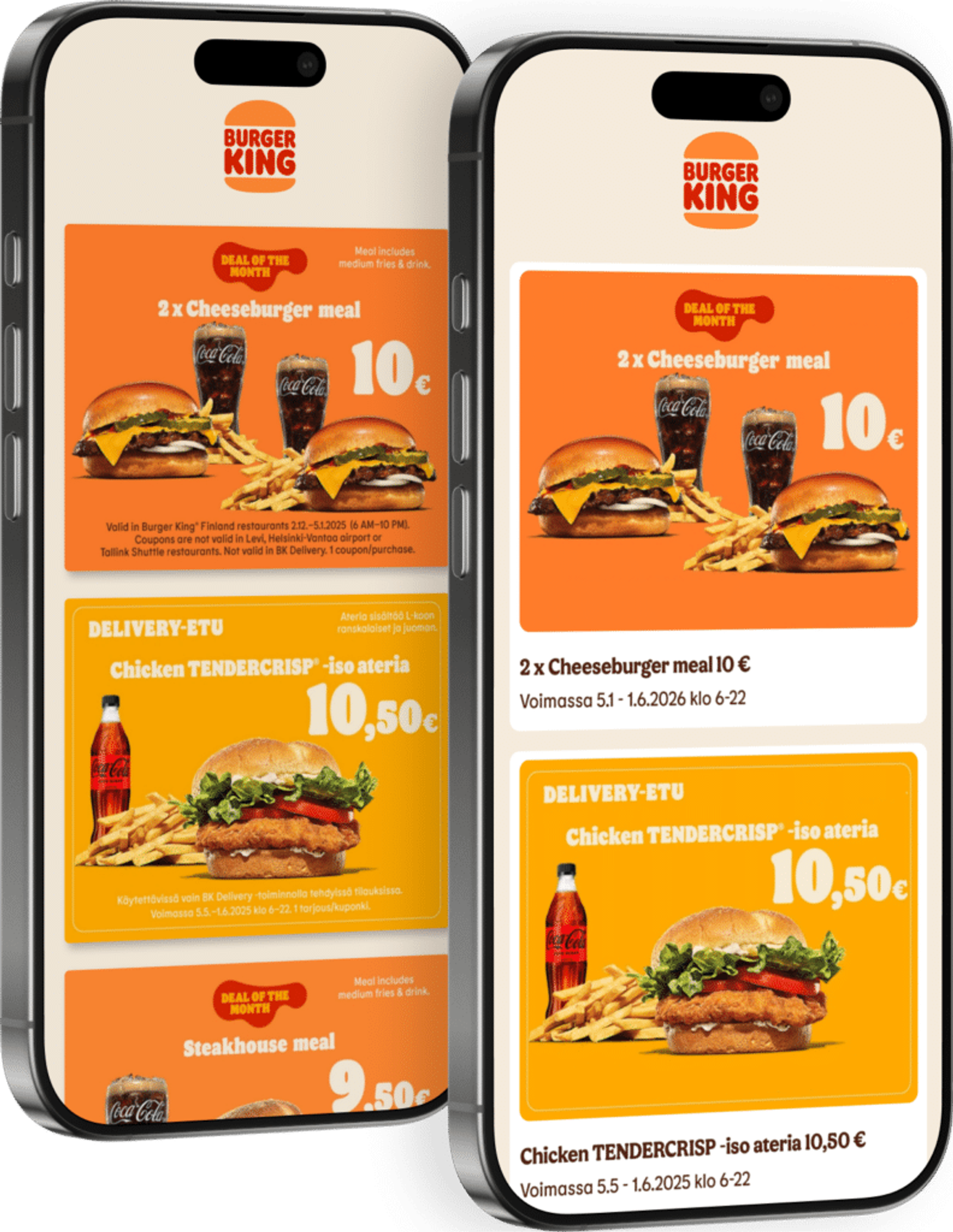
Coupons are an important part of the app for many users. Browsing and using them was improved so that their status and content are clearly conveyed to screen reader users as well.
Reducing unnecessary content for screen readers
Accessibility is not only about adding information. In some cases, the most important improvement is removing unnecessary content. Image components were updated so that purely decorative visuals do not burden screen readers.
Better readability across different device settings
In addition, contrast levels were refined and the scalability of interface elements was improved. This ensures the app works better with larger text sizes and a variety of device settings.
Accessibility is continuous work
Accessibility is not a one-off project but an ongoing part of app development. An accessibility statement was also added to the Burger King app, providing a transparent overview of its current accessibility status and any areas for improvement. At the same time, accessibility was more firmly integrated into design, development and testing processes.
Accessibility cannot be developed through technical guidelines and tools alone. The most valuable insights often come from testing the service together with users who rely on screen readers or other assistive technologies. This helps uncover issues that developers and designers might otherwise miss.
For that reason, accessibility is never truly finished. Every improvement is a step toward a digital service that as many people as possible can use smoothly, in their own way.